Back to BlogAndroid Apps

Export Android Call Logs to CRM: Calls Management Workflow 2026

Published June 10, 202610 min read
Export call logs CRM Android calls management

Exporting call logs from Android closes the gap between dialling and CRM hygiene — managers get remark completion, callback SLAs and connect rates without asking reps to re-type every call.

Daily export workflow

  1. Rep completes remark on every connected call before next dial.
  2. End-of-day CSV export from Calls Management.
  3. Manager imports to CRM or Google Sheet pivot.
  4. Hot leads flagged for next-morning callback block.

Next step: Start a 3-day free trial · See pricing (₹2,499/yr) · Reseller from ₹750/yr.

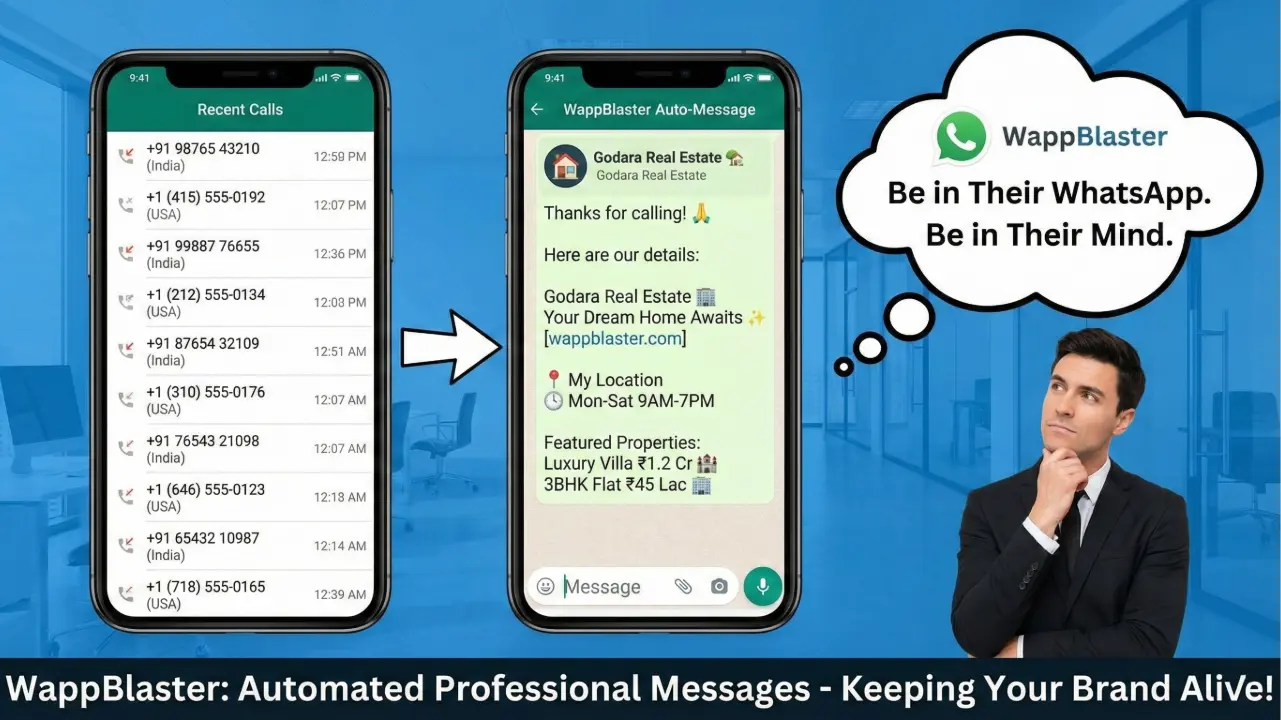
Pair with Auto WhatsApp After Call for instant post-call pitches.

Frequently Asked Questions

Which CRMs are supported?

CSV export works with any CRM. Many teams import into Zoho, HubSpot, LeadSquared or Google Sheets daily.

Does export include call duration?

Yes — incoming/outgoing/missed, duration, remark and reminder fields export together.
WappBlaster

Priya Sharma

Android Product Lead, WappBlaster

Priya leads WappBlaster’s Android product line — post-call WhatsApp, SIM call CRM, AI Google reviews, loyalty coupons and student management — deployed by 3,500+ SMBs in India and UAE.

Share this article

Explore the Android product line

Five focused apps for sales, reviews, loyalty and education — one login, one bill optional.

Partners