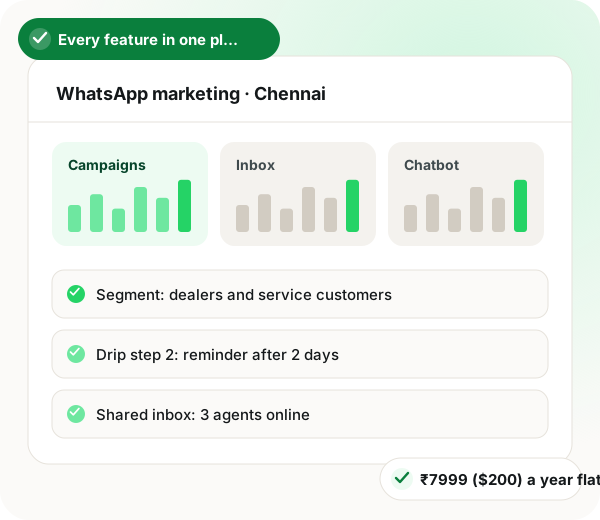
Inside the dashboard
Inside the dashboard a Chennai team would use
One login, seven tools. What each one is for, in plain terms.
1 Campaign composer
Write the template, add the customer's name or appointment time as a variable, attach a photo or PDF, add buttons, and preview it the way a customer will see it before it goes to Meta for approval.
2 Contacts and segments
Upload a spreadsheet or connect Google Sheets, then tag contacts by language, branch, department or purchase. Segments are saved, so the same group can be reused for the next campaign.
3 Scheduling, drips and chatbot
Schedule a send for a set hour, or build a drip that follows a tap or a reply. The no-code chatbot answers common questions with menus and AI replies, handing the rest to staff.
4 Inbox, reports and integrations
In the inbox, every chat has one owner and can carry notes. Reports show delivery, reads, replies and clicks per template. The API, webhooks and connectors keep it in step with your other software.